English ABC for young children — every letter spoken in a clear American English voice
This page is for parents and teachers who are not native English speakers. BibyGames is a free game for children aged 3 to 7. Biby the fox says every English letter and number out loud. Your child does not need to read, and you do not need perfect English.
▶ Play now, it's free How to say A–Z
The whole game is free. There are no ads, no purchases and no sign-up. It runs in the browser at www.bibygames.com, and after the first load it also works offline.
How to say the English letter names, A to Z
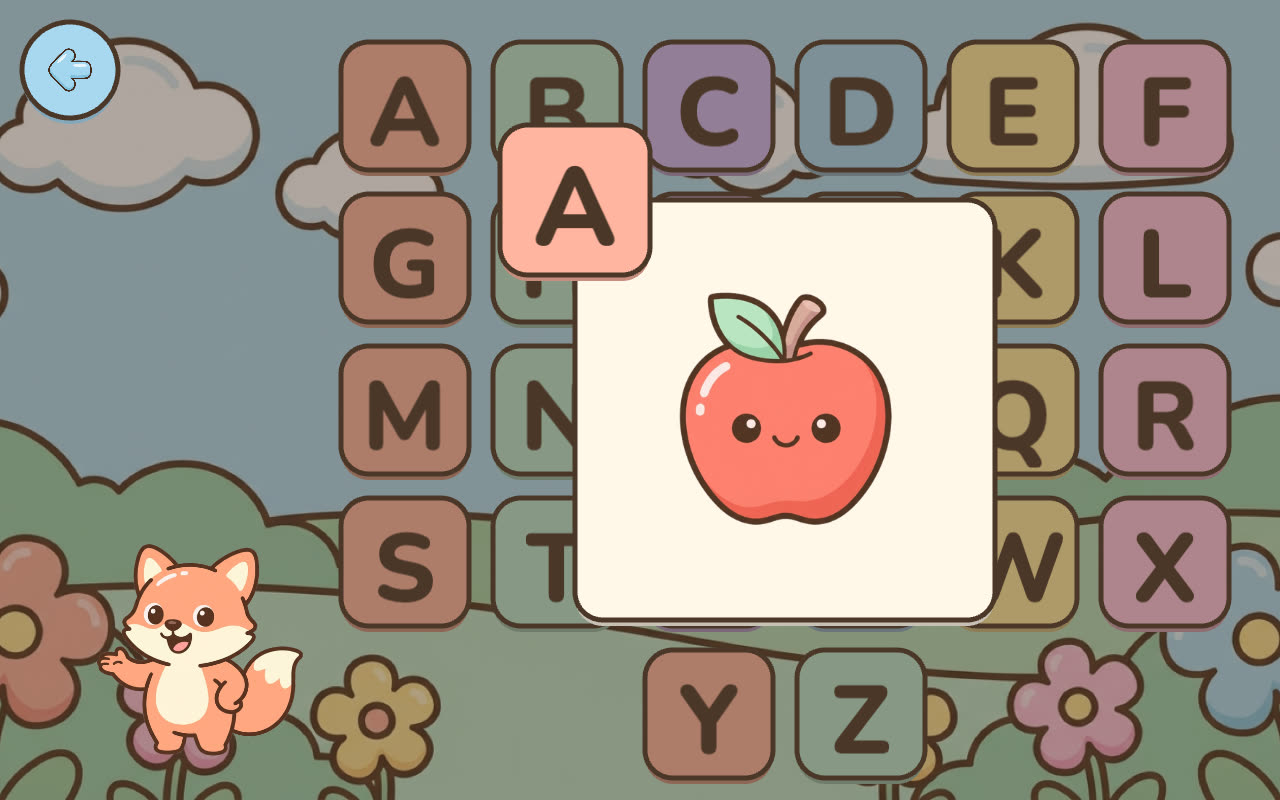
Each line shows the capital letter, a simple way to say its American name, and the word Biby says with that letter in the game (“A is for apple”). The respelling is only a rough help for adults. The best way is to tap the letter in the game and listen.
- A – say “ay” – apple
- B – say “bee” – balloon
- C – say “see” – cat
- D – say “dee” – dog
- E – say “ee” – elephant
- F – say “ef” – fish
- G – say “jee” – gorilla
- H – say “aitch” – house
- I – say “eye” – igloo
- J – say “jay” – jellyfish
- K – say “kay” – key
- L – say “el” – lion
- M – say “em” – mouse
- N – say “en” – nose
- O – say “oh” – onion
- P – say “pee” – penguin
- Q – say “cue” – queen
- R – say “ar” – rocket
- S – say “ess” – sun
- T – say “tee” – tractor
- U – say “you” – umbrella
- V – say “vee” – violin
- W – say “double-you” – waffle
- X – say “ex” – xylophone
- Y – say “why” – yeti
- Z – say “zee” – zebra
“Zee” or “zed”?
American English says “zee.” British, Canadian and Australian English say “zed.” Both are correct. BibyGames uses American English, so Biby says “zee.”
Letter names are not letter sounds
The name of the letter B is “bee.” The sound of B in a word is a short “b.” BibyGames teaches the names of the 26 capital letters. It does not teach letter sounds (phonics), small letters or reading.
This is important if your child will go to school in the United Kingdom. Schools in England reportedly start with letter sounds and bring in letter names later (Oxford Owl: What is Letters and Sounds?). For those families the game is a friendly first meeting with the ABC, not school preparation.
A simple routine: 10 minutes a day
The game has no timer and no plan you must follow. Here is a simple routine you can try. Sit next to your child and play together.
- Explore (about 3 minutes). Your child taps any letters on the wall. Biby says the name and the word. Repeat them out loud together.
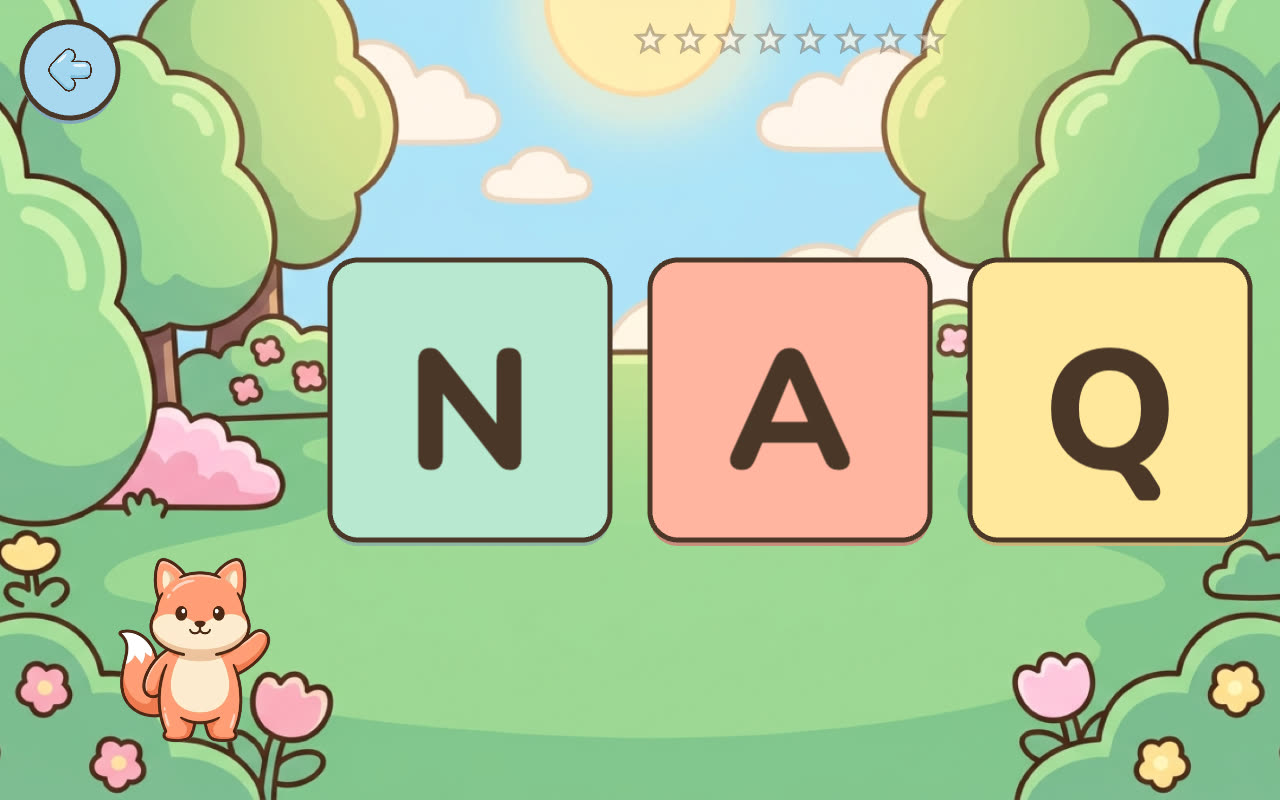
- Find (about 4 minutes). Biby says a letter and your child chooses it from three cards. Later there are four cards, and some letters look similar. After a mistake Biby encourages the child, and after the second mistake she gives a hint.
- Trace (about 3 minutes). Your child traces the capital letter with a finger along the dots. A green dot shows where each stroke starts. It is not possible to fail.
Stop while it is still fun. The game remembers which letters your child does not know well yet and shows them more often, so you do not have to plan anything. More about tracing is on the page about the letter tracing game.
English numbers one to ten
Biby also says and counts the numbers from 1 to 10:
- 1 one · 2 two · 3 three · 4 four · 5 five
- 6 six · 7 seven · 8 eight · 9 nine · 10 ten
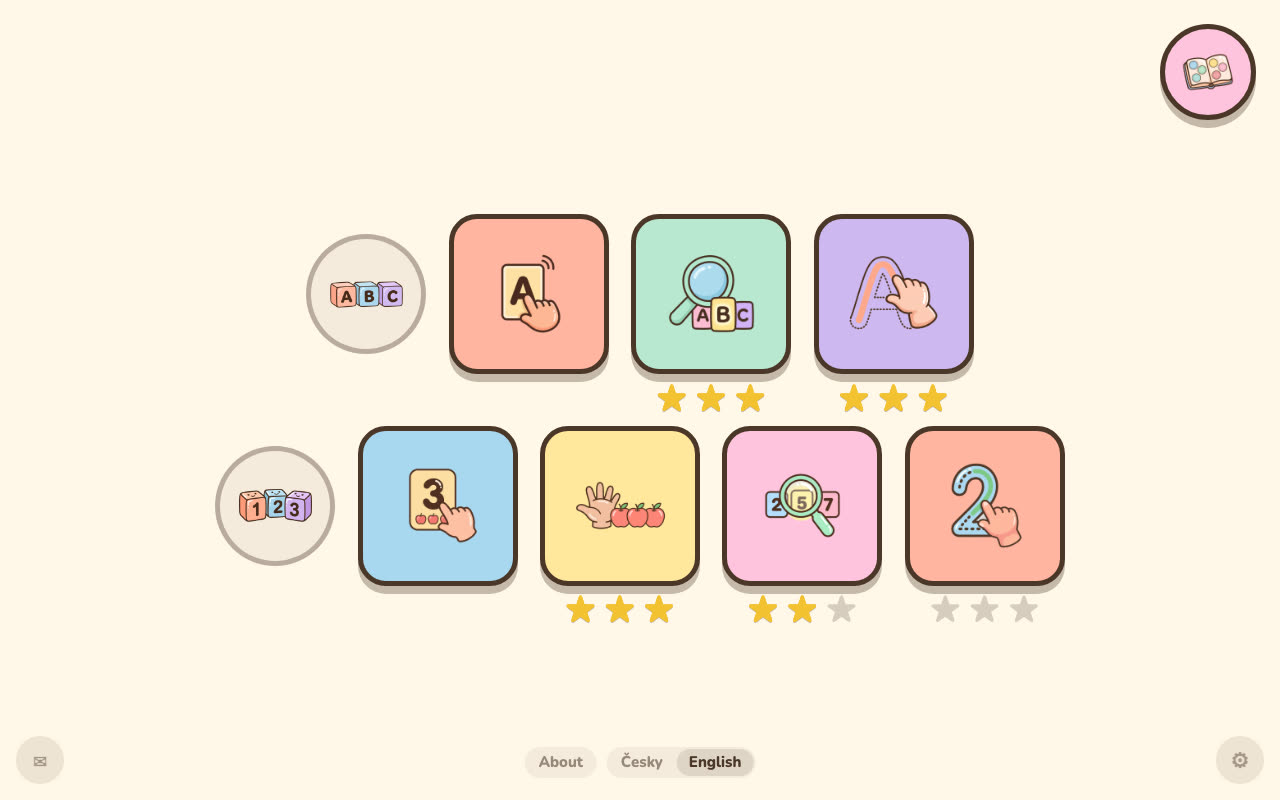
There are four number modes. In Explore your child sees the digit with exactly that many objects, and Biby counts them out loud. In Count the child taps the objects one by one, every tap is counted out loud, and then the child picks the right number. There are also Find and Trace, the same as for letters. Read more on the page about number games 1–10.
Who made it: a dad who is not a native speaker either
I'm Jan, a dad from the Czech Republic. I built BibyGames for my daughter, first in Czech. English is not my first language, so I know the feeling of not being sure how to say a letter. That is why the English version has its own American English voice and its own word for each letter.
The game still speaks Czech too. You choose the language on the start screen, and you can change it later at the bottom of the menu. Progress is shared between both languages. More about me is on the About page.
For teachers of young English learners
There is no login and there are no ads, so no ads appear on a shared screen. The game works with touch, and with a mouse on a computer or an interactive whiteboard. Because there is no text, children who cannot read yet can play alone. No data is collected about the children, and progress stays on the device. I only measure anonymous traffic (Google Analytics in cookieless mode). Setup tips are on the page For preschools.
Common questions
At what age can a child start learning English letters?
BibyGames is made for children from about 3 to 7. The youngest children usually like Explore, where they only tap and listen and nothing is scored. Find and Trace are better for older preschoolers. There is no need to hurry: a few minutes of play together is enough.
Is the voice American or British?
American. Biby the fox speaks in a clear American English voice. It is a computer-generated voice, not a recording of a person, and the pronunciation of every letter name was checked. That is why the last letter is “zee” in the game. If your child will go to a school that uses British English, some words and letter names will sound a little different there.
Does the game teach letter names or phonics sounds?
Letter names only. Biby says the name of the letter and one word that starts with it, for example “B is for balloon.” The game does not teach the sounds of letters (phonics), blending or reading.
My English pronunciation isn't good. Can my child still learn correctly?
In the game your child hears every letter, word and number from a clear American English voice, not from you. You do not have to say anything yourself. You can simply listen and repeat together with your child. The respellings on this page are only a small help for adults.
Is “Z” zee or zed?
Both are correct. American English says “zee.” British, Canadian and Australian English say “zed.” BibyGames uses American English, so Biby says “zee.”
Does my child need to read to play?
No. There is no text in the game at all. Biby the fox says everything out loud, and the child answers by tapping a card or by tracing with a finger.
Can I switch between English and Czech?
Yes. You can choose the language on the start screen, and there is also a small language switch at the bottom of the game menu. Progress is shared between the two languages, so nothing is lost when you switch.
Does it work offline?
Yes. The first launch must be online, because the game downloads the voice and the pictures (about 20–25 MB). After that everything works without the internet, including the voice. More on the page about playing offline.