A free ABC and 123 game for ages 3–7 with no ads, no account, no purchases
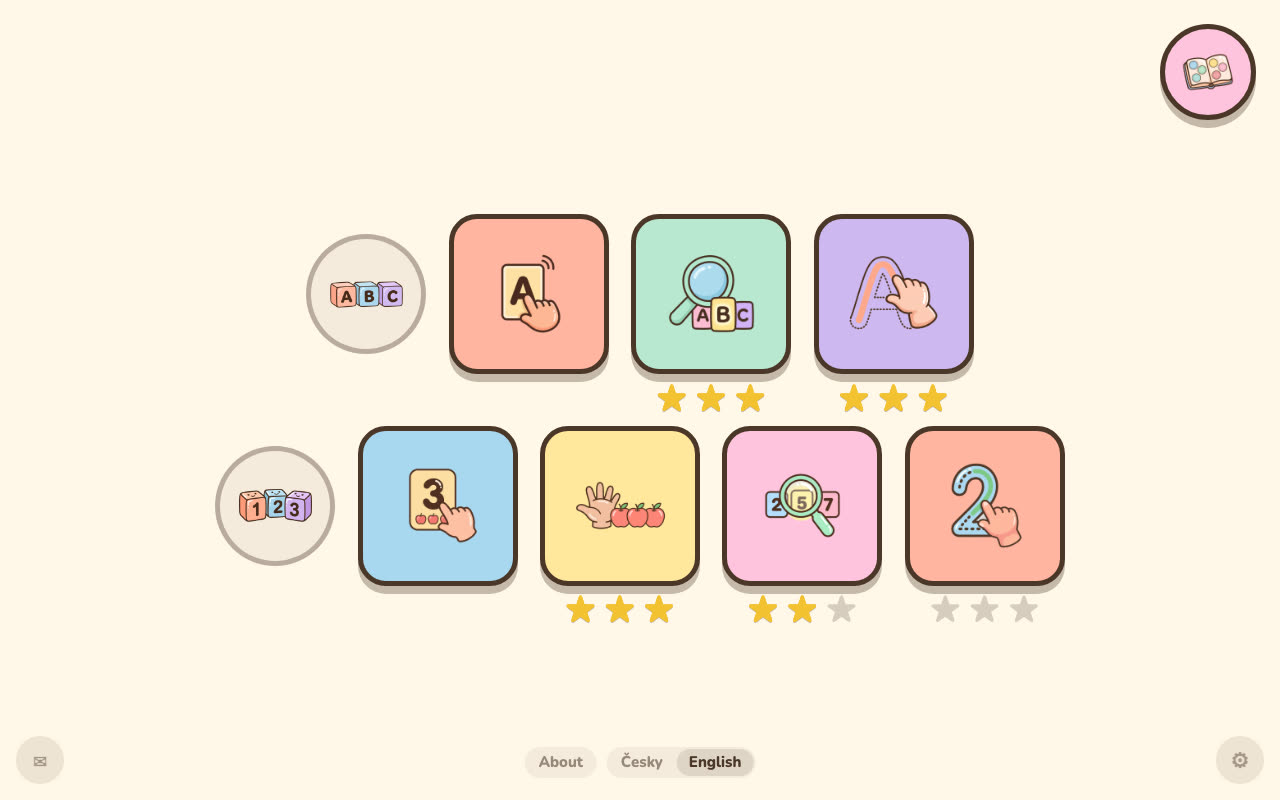
BibyGames is a free learning game for children aged 3 to 7 that runs in the browser at www.bibygames.com. It teaches the names of the 26 capital letters and the numbers 1 to 10 through seven spoken modes: explore, find and trace for letters, and explore, count, find and trace for numbers. It has no ads, no in-app purchases and no accounts, it collects no data about the child, and after the first load it works offline.
▶ Play now, it's free Guide for parents
What “free” means here
“Free” on a kids' game can mean a lot of things. Here is exactly what it means on this one.
- Ads: none. No banners, no video ads, no pop-ups.
- In-app purchases: none. There is no paid version, no subscription and nothing to unlock. The whole game is open from the first minute.
- Account: none. No sign-up, no email, no name. The game simply starts.
- Data about the child: none. Stars, stickers and progress are stored only on the device, in the browser's storage. The game has no server to send them to.
- Analytics: anonymous, cookieless Google Analytics only. It tells me how many people open and start the game. It says nothing about your child or their progress.
One more thing, so nothing is hidden: there is an envelope icon in the corner of the menu, meant for parents. It opens a short feedback form run by a third-party service (Freelo). It only opens if someone taps that icon; nothing is sent otherwise.
Why a dad built it
I'm Jan, a dad from the Czech Republic. I built BibyGames for my daughter, because I wanted a game that talks to her, shows her no ads and collects nothing about her. Once it worked for her, I left it open to everyone. If you want to help with the running costs, there is a voluntary support page, but nothing in the game depends on it. The longer story is on the About page.
What's inside
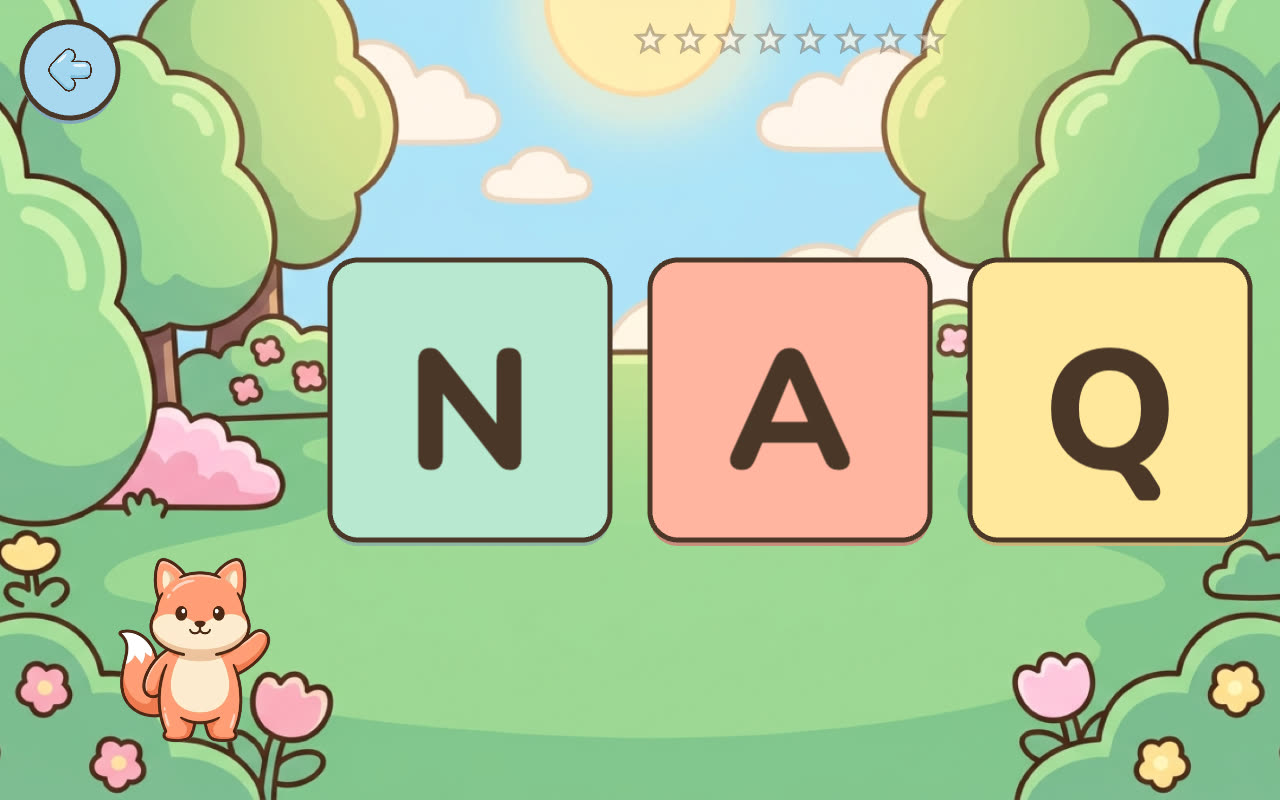
There is no text in the game. Biby the fox says everything out loud in a clear American English voice, so a child who can't read yet can play alone. Nothing is timed and mistakes are never punished: Biby encourages the child to try again and gives a hint after the second mistake.
Letters
Explore a wall of 26 capital letters (“A is for apple,” “P is for penguin”), find the letter Biby names among three or four cards, and trace capital letters A–Z with a finger along the dots.
Numbers 1–10
Explore each digit with exactly that many objects, count a pile of objects out loud tap by tap, find the number Biby says, and trace the digits. More on the number games page.
For the child
One to three stars for every finished round and a sticker album with 20 stickers. The game brings back the letters and numbers the child hasn't mastered yet more often.
For the parent
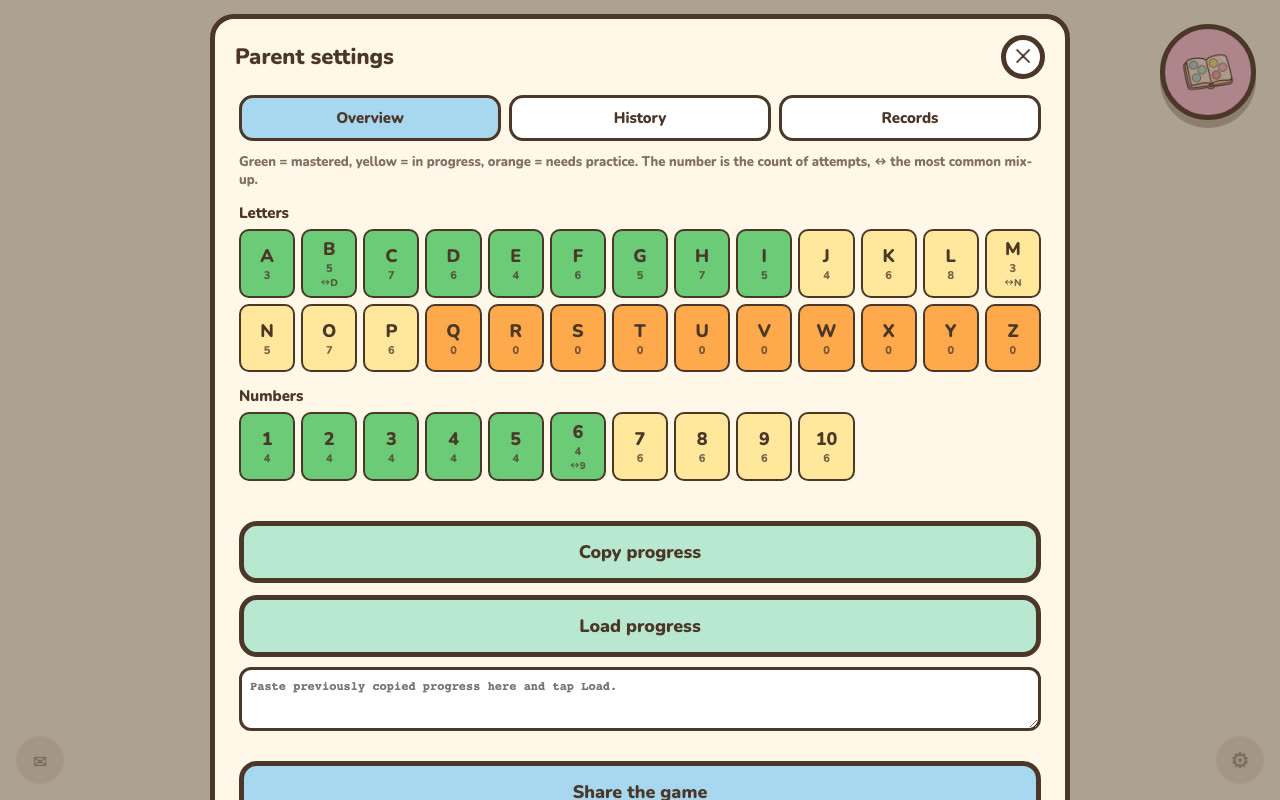
Hold the gear icon for 2 seconds to open a locked parent view: which letters and numbers are mastered, which need practice, and what your child most often mixes up.
What it does not do: there are no lowercase letters, no phonics sounds and no reading lessons. Biby teaches letter names, and Z is “zee.” It is a small game, not a curriculum.
What research found in apps for this age
Radesky and colleagues (JAMA Network Open, June 2022) looked at 133 apps used by 160 children aged 3 to 5 and reported that “only 20% of apps had no manipulative design features.” They found navigation constraints in 61 apps (45.9%) and lures in 60 apps (45.1%), and children from households with lower socioeconomic status saw more pressure to buy. Source: Radesky et al. 2022, full text on PubMed Central.
BibyGames is built the other way around: no timers, no rewards for coming back tomorrow, no character asking the child to buy something, and no ads or links leading out of the children's part of the game.
Other honest options
BibyGames covers one narrow thing: letter names and numbers to 10. If you want more subjects, the two names that almost every parent list recommends are Khan Academy Kids and PBS Kids Games. Both cover far more than my game does. I have no connection to either, so check their current terms and privacy pages yourself. I'd rather you find something that fits your child than stay here out of habit.
Common questions
Is it really free, and how do you pay for it?
Yes, the whole game is free. There is no paid version, no subscription and nothing to unlock. I built it for my daughter and left it open to everyone. If you want to help with the running costs, there is a voluntary support page, but the game is the same for everyone either way.
Are there any ads or in-app purchases?
No. There are no ads, no pop-ups and no in-app purchases anywhere in the game.
Do you collect data about my child?
No. The game collects no data about the child. Progress is stored only on the device. I measure anonymous traffic only, with Google Analytics in cookieless mode, to know how many people open and start the game.
Do I need an account?
No. There is no sign-up and no login. You open www.bibygames.com and the game starts. If you like, you can add it to the home screen of a tablet so it opens like an app.
What age is it for, and is it OK for a 3-year-old?
It is made for ages 3 to 7. A 3-year-old usually enjoys the Explore modes, where the child taps a letter or number and Biby names it, and nothing is scored. Find, Count and Trace suit older preschoolers and kindergartners better. There is no text, so the child doesn't need to read.
Which devices does it work on?
iPad and iPhone, Android tablets and phones, and computers with a modern browser, including with a mouse or on an interactive whiteboard. A tablet in landscape works best. I have not tested it on Amazon Fire tablets. After the first load it also works with no connection; see how to set it up offline.
Can my child wander off to other websites from the game?
There are no ads anywhere, and inside the games themselves there are no links at all. The menu has a few small spots meant for parents: the gear icon, which opens only after holding it for 2 seconds, the envelope icon, which opens a feedback form, a language switch, and a small text link, About, which opens this website's About page in a new tab. A child who taps it lands on a plain page about the game, not on ads or other sites. If you add the game to the home screen, it opens full screen without the browser's address bar.
How much screen time is OK for a preschooler?
I'm a dad, not a pediatrician, so here is what the American Academy of Pediatrics says. Its 2016 guidance suggested about one hour a day of high-quality programming for ages 2 to 5; its 2026 update emphasizes quality, co-play and ad-free, non-autoplay design over a fixed number. See the AAP's explanation for parents on HealthyChildren.org and the summary by CHOC. A round in BibyGames takes a few minutes, and it goes best when you sit next to your child.